Home
About Us
Course
Contact Us
Menu

Courses

Contact Us
  • Mumbai, India
  • +91 72083 01941
  • info@skillsconnects.com
Follow Us
Diploma in Network Engineering (DNE)

Computer Hardware (A+)

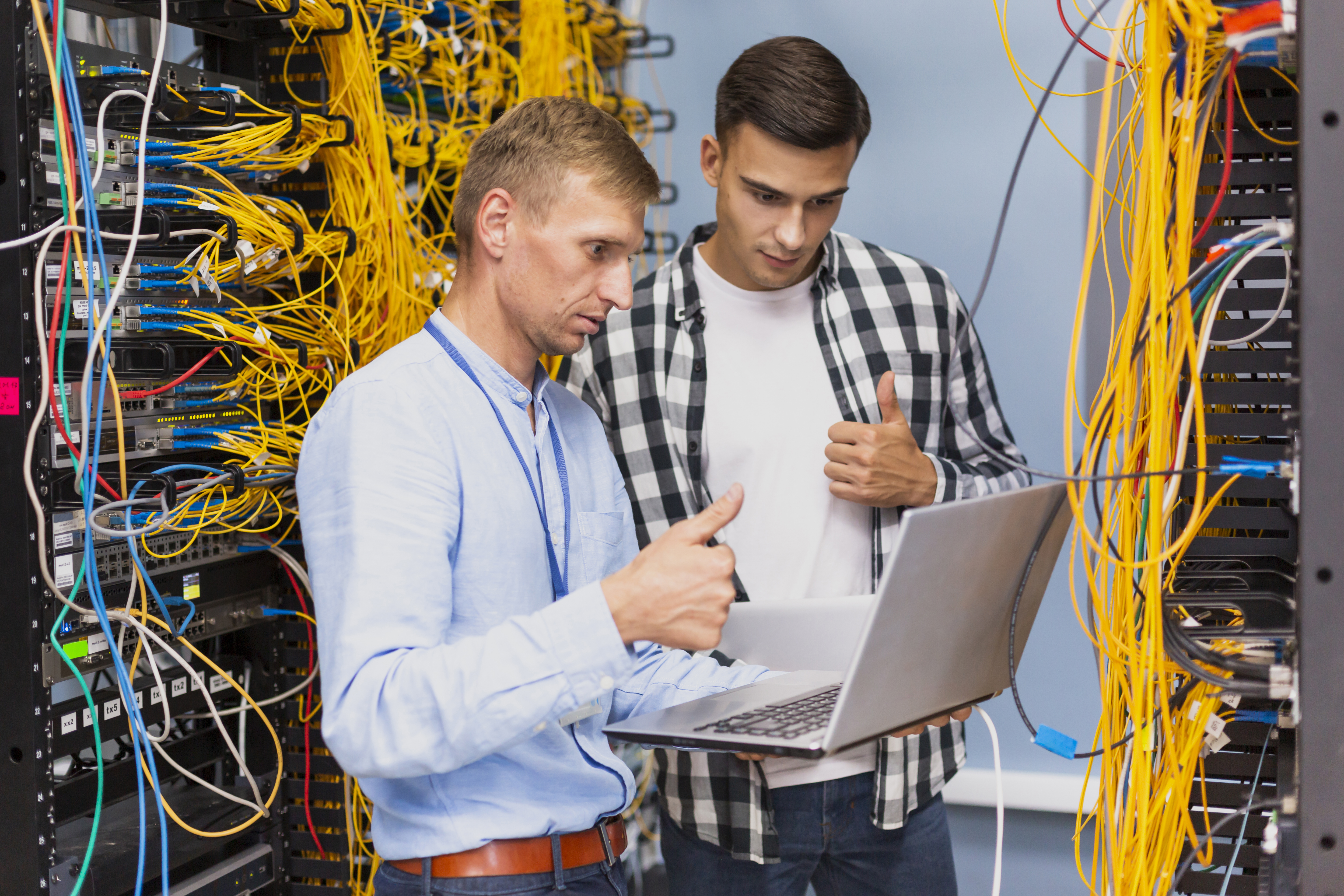
The CompTIA A+ certification focuses on essential computer hardware and software skills needed by IT support professionals. It covers identifying, installing, configuring, troubleshooting, and maintaining computer hardware and peripherals.

0.0 /5.0
0 Enrolled
Beginner
Updated 11/2025
Hinglish

Get Enquire Now

We'll contact you within 24 hours with complete course details
Course Description

💻 Hardware Components: Understanding CPUs, RAM, storage devices, motherboards, and power supplies.

🔌 Peripheral Devices: Installation and troubleshooting of printers, monitors, input devices, and external drives.

🧠 System Assembly: Building, upgrading, and maintaining desktop and laptop systems.

⚙️ Troubleshooting: Diagnosing and resolving hardware and software issues.

🌐 Networking Basics: Setting up and supporting wired and wireless networks.

🔒 Security: Implementing physical and digital security best practices.

🧰 Tools & Safety: Proper use of hardware tools and following safety protocols.

🧾 Certification Value: Recognized globally as an entry-level credential for IT technicians.

1. Introduction to Computer Hardware
5 Lectures
Overview of Computer Hardware Components
Input and Output Devices
Central Processing Unit (CPU) and Memory
Storage Devices: HDD, SSD, Optical, and Flash
Motherboard, Chipsets, and Expansion Cards
2. Motherboards and Processors
5 Lectures
Introduction to Motherboards and Their Types
Motherboard Components and Chipsets
Processor Architecture and Types (CPU, Cores, Threads)
Processor Installation and Compatibility with Motherboards
Bus Systems, Sockets, and Expansion Slots
3. Memory (RAM) and Storage
4 Lectures
Introduction to Computer Memory and Storage
Types of RAM: DRAM, SDRAM, DDR, DDR2/3/4/5
Cache Memory and Virtual Memory Concepts
Storage Devices: HDD, SSD, Hybrid Drives, Optical Media
4. Input and Output Devices
4 Lectures
Introduction to Input and Output Devices
Types of Input Devices: Keyboard, Mouse, Scanner, and Others
Types of Output Devices: Monitor, Printer, Projector, and Speakers
Advanced Input/Output Devices: Touchscreens, VR Devices, and Sensors
5. Power Supply and Cooling
5 Lectures
Introduction to Power Supply Units (PSUs)
Types of PSUs and Their Ratings
Power Connectors and Distribution in Computers
Cooling Systems: Air Cooling, Liquid Cooling, and Heat Sinks
Power Management and Thermal Safety in Computer Systems
6. Expansion and Peripherals
4 Lectures
Introduction to Expansion and Peripheral Devices
Expansion Slots and Cards: PCI, PCIe, AGP, and Others
Peripheral Devices Overview: Printers, Scanners, and External Storage
Connecting and Configuring Peripheral Devices
7. Networking and Connectivity
5 Lectures
Introduction to Networking and Connectivity
Types of Computer Networks (LAN, WAN, MAN, PAN)
Network Interface Cards (NICs) and Ports
Cabling and Wireless Connectivity Options
Basic Network Setup and Configuration
8. Laptops and Mobile Devices
4 Lectures
Introduction to Laptops and Mobile Devices
Laptop Components and Architecture
Mobile Device Hardware Overview (Smartphones & Tablets)
Battery, Power Management, and Portability Features

0.0

(0 reviews)

No reviews yet. Be the first to review this course!

No reviews yet.

Please login to leave a review.
Frequently Asked Questions

This course provides comprehensive knowledge with practical examples for beginners and professionals.

No prior experience required. We start with basics and progress to advanced topics.